 Rekarta
Styles
Halftone effect and riso print look
Halftone prints a picture as dots of one ink on paper: bigger dots in the dark areas and smaller ones in the light. It is the look of newspapers, comics and risograph prints. In Rekarta you set the dot spacing, the ink colour and the paper colour on any photo.
- KindEffect on a photo
- Settings3
- Samples12
Last updated
Samples
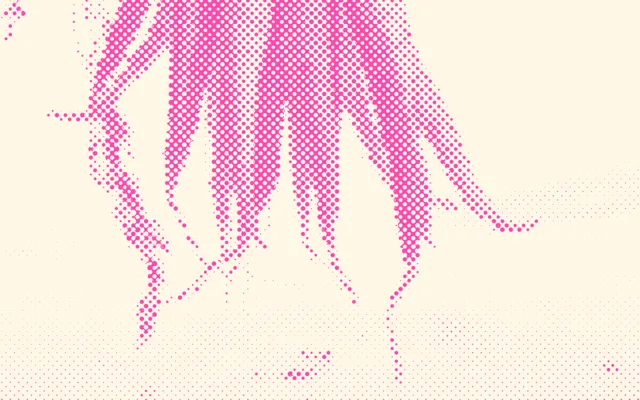
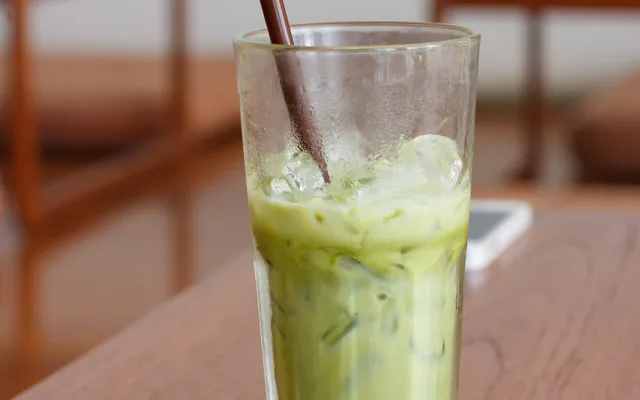
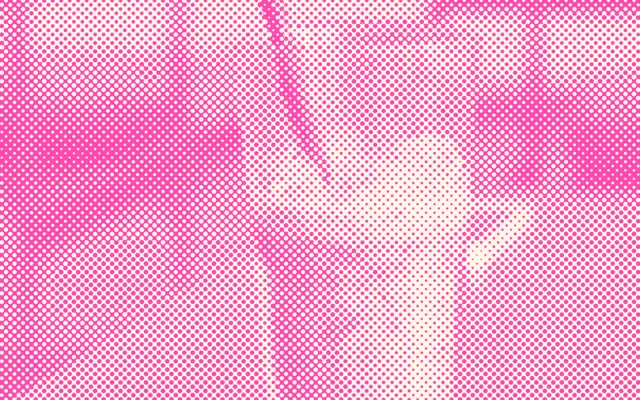
Rekarta's own renderer drew every picture, from the same photo each time, so you can compare the settings.
On the photo “Iced green tea latte”
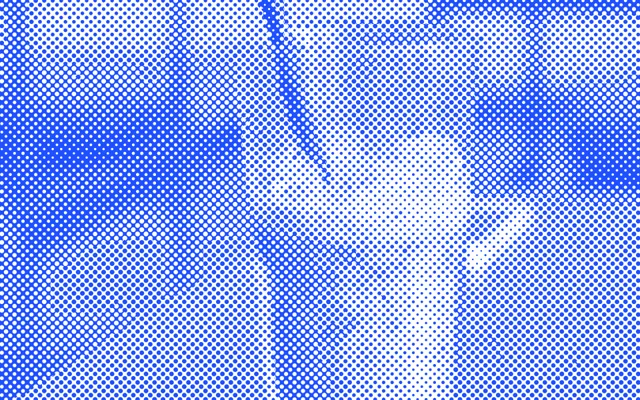
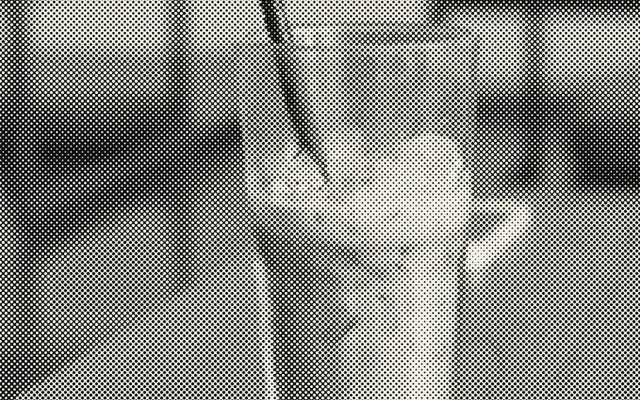
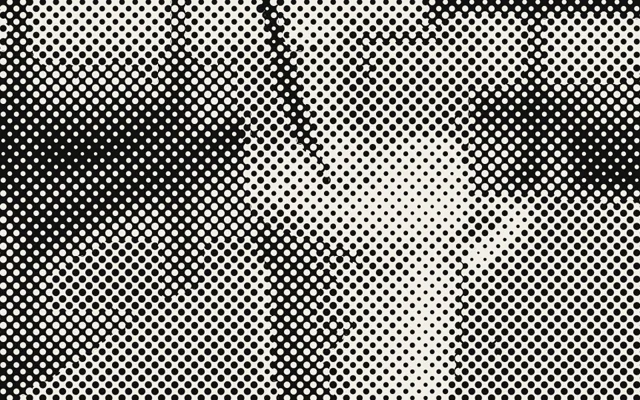
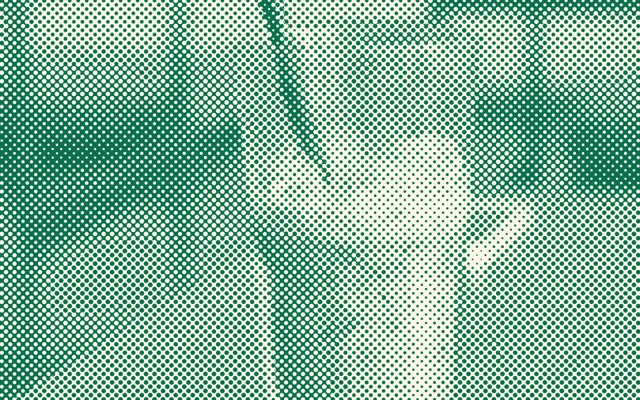
On the photo “Houston carrots”
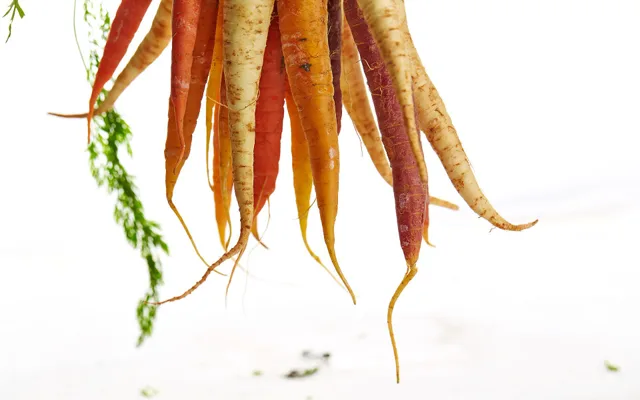
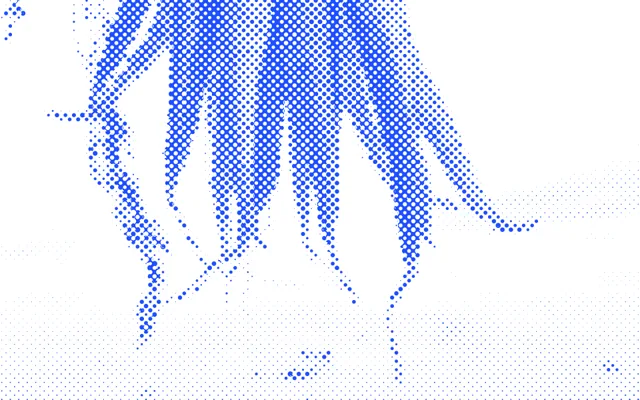
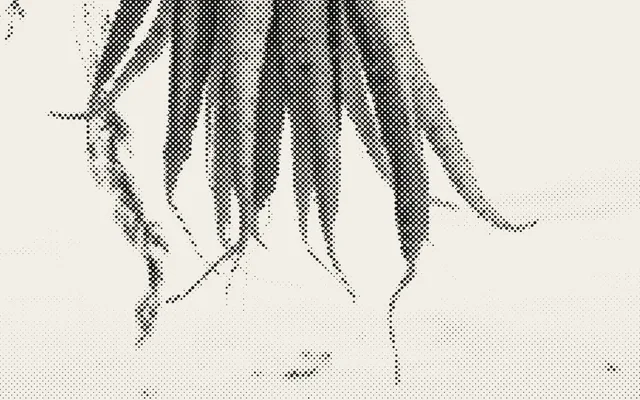
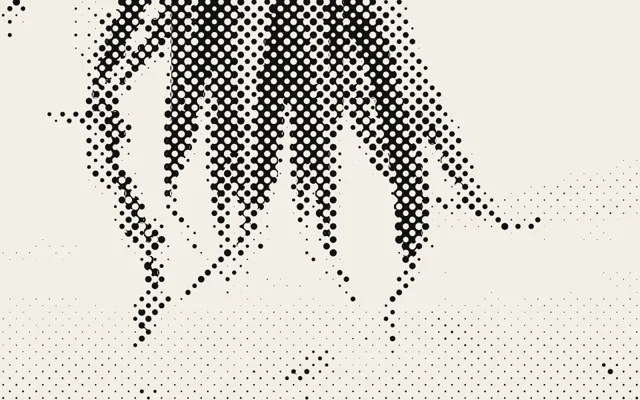
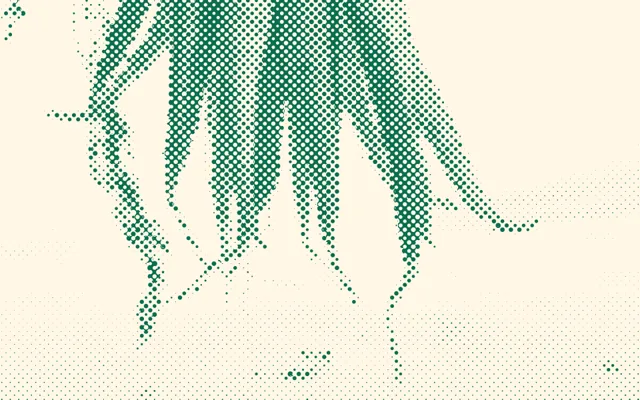
Photos: Iced green tea latte by Saya1611 (Pixabay), CC0; Houston carrots by Gabriel Gurrola (Unsplash), CC0.
What it is
Smaller dots keep more detail and look like a printed photo. Larger dots give a bold pop-art poster. One ink on one paper colour is the classic riso look; the ink and paper colours are yours to choose.
Good for
- A pop-art or newspaper-print poster
- A band or event flyer with a riso feel
- A one-colour cover or social post from a photo
What you can change
| Setting | What it does |
|---|---|
halftone | The distance between dots, in px. A smaller number keeps more detail. |
halftoneInk | The colour of the dots, such as "#ff48b0". |
halftonePaper | The colour of the paper behind the dots, such as "#fff7e6". |
Ask for it like this
Paste this into Rekarta's chat, or into your own AI assistant once it is connected. Change the words to yours.
Make a poster from my photo as a pink halftone print on cream paper, with the headline "Night Market" in black.Or place it yourself
Inside a design, it is one tag.
<Image asset="photo" x={0} y={0} width={1080} height={1080} fit="cover" halftone={9} halftoneInk="#ff48b0" halftonePaper="#fff7e6" />Common questions
What dot size should I use?
Around 5 to 6 for a printed-photo feel, 9 for a clear poster look, 14 for a bold pop-art look.
Can I use more than one ink?
One ink on one paper colour per picture. For two colours, layer two designs or ask for a duotone look with shapes.
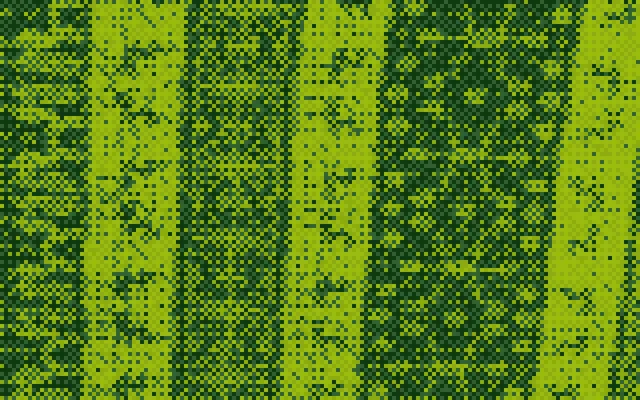
Can I combine it with pixel art?
No. Choose one effect for each picture.


Try halftone.
The first month is free. Ask in Rekarta's chat, or connect the AI assistant you already use.