 Rekarta
Styles
Pixel art effect for photos
Pixel art redraws a picture as a grid of large square pixels with a small set of colours, like an old video game. Rekarta turns any photo into pixel art with one setting: choose the size of the pixel and a palette such as Game Boy, 1-bit, CGA or sepia, and a dither pattern if you like.
- KindEffect on a photo
- Settings4
- Samples12
Last updated
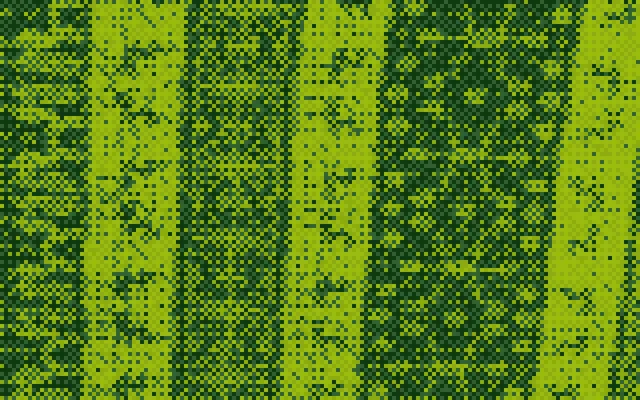
Samples
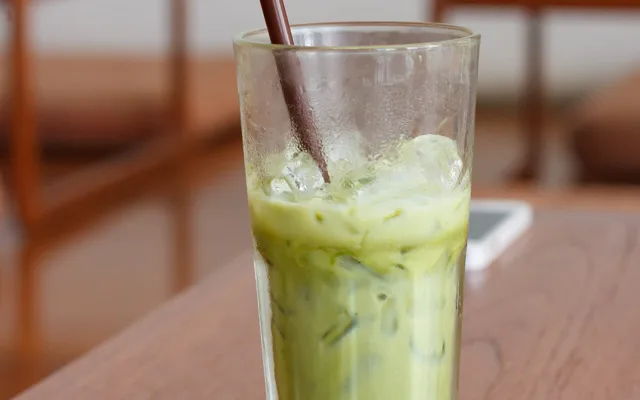
Rekarta's own renderer drew every picture, from the same photo each time, so you can compare the settings.
On the photo “Iced green tea latte”
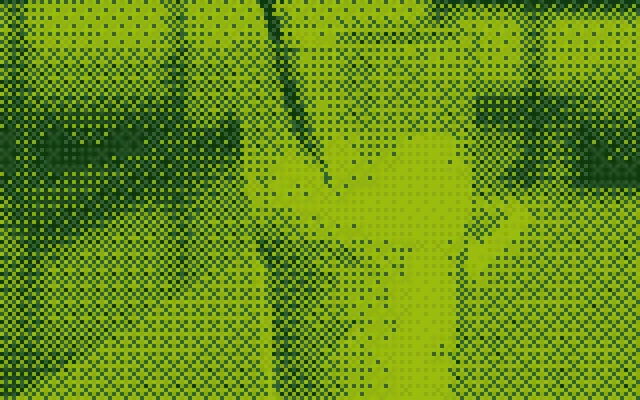
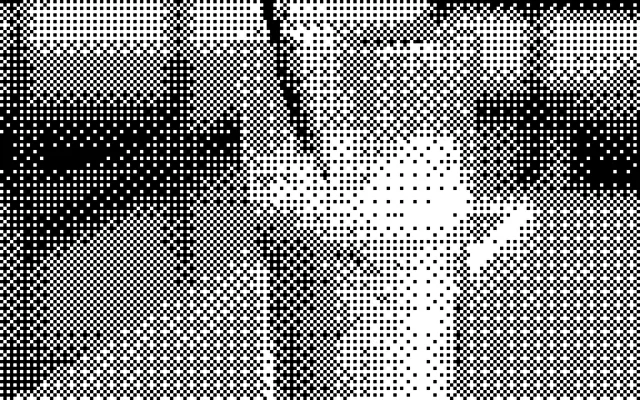
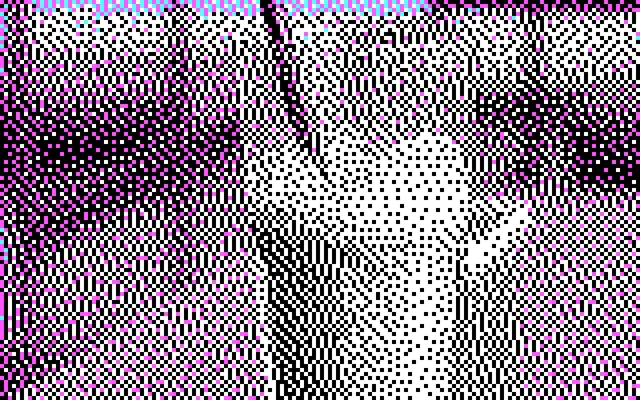
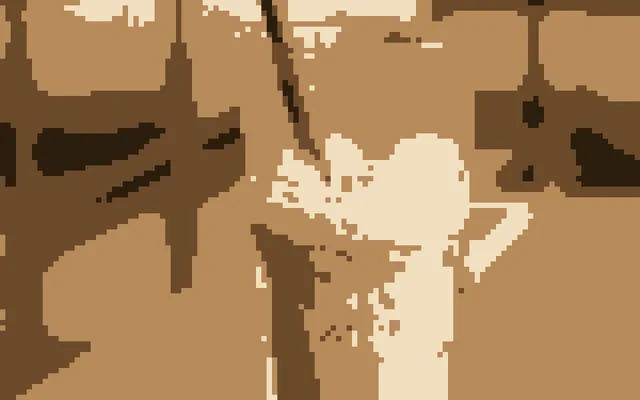
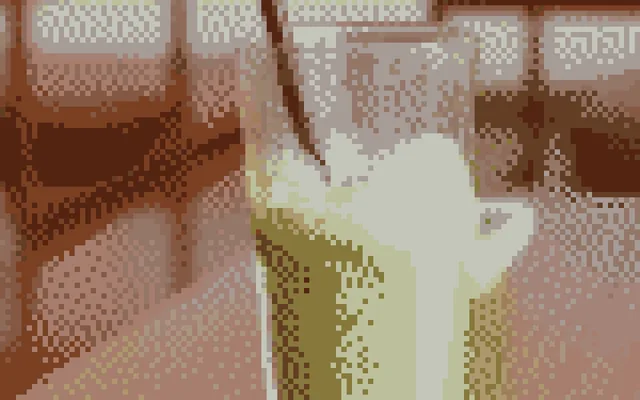
On the photo “Man's shoulder cloth (hinggi), East Sumba”
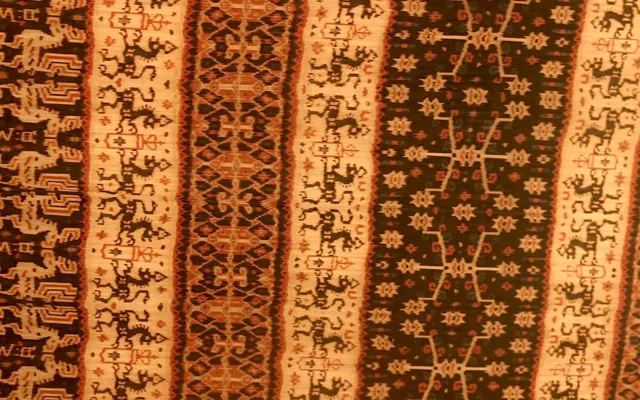
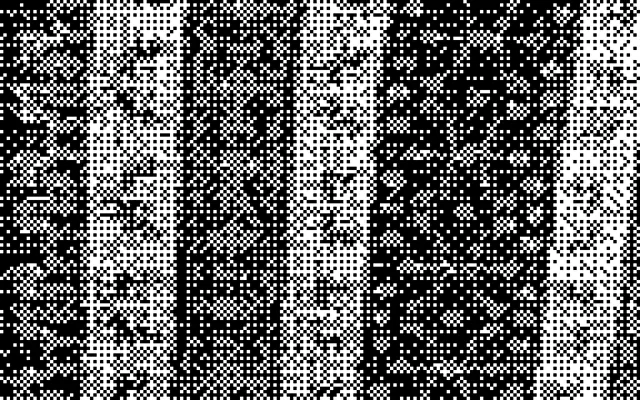
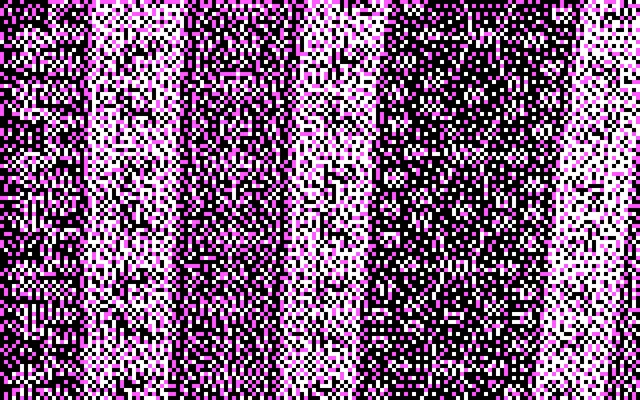
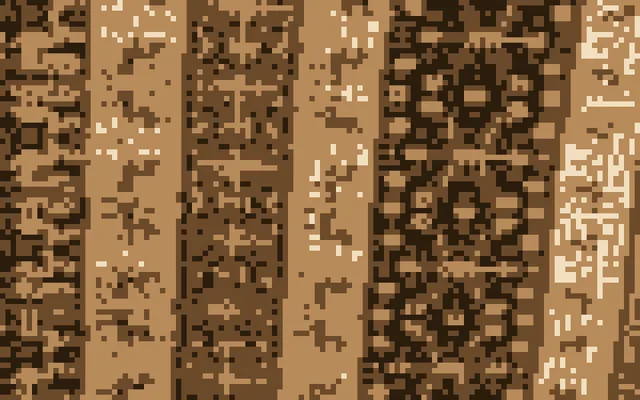
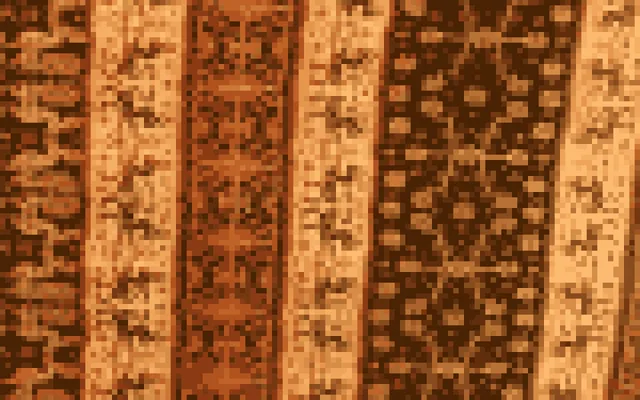
Photos: Iced green tea latte by Saya1611 (Pixabay), CC0; Man's shoulder cloth (hinggi), East Sumba by Honolulu Academy of Arts, public domain.
What it is
The effect works on a picture you add, not on shapes. The palette limits the colours and the dither mixes them in a pattern so shading still shows. In a design set to the pixel style, the checker also asks for pixelated images, no shadows or gradients, and at most 16 colours.
Good for
- A retro game look for a poster, avatar or sticker
- A thumbnail or cover with an 8-bit feel
- Turning a product or portrait photo into a fun variant
What you can change
| Setting | What it does |
|---|---|
pixelate | The size of one big pixel, in px. A higher number is blockier. |
pixelPalette | gameboy, 1bit, cga or sepia, or your own colours such as "#112233,#ddeeff". |
pixelColors | Instead of a palette, pick 2 to 256 colours from the photo itself. |
dither | none, bayer or floyd: how colours are mixed to hint at the missing ones. |
Ask for it like this
Paste this into Rekarta's chat, or into your own AI assistant once it is connected. Change the words to yours.
Make an Instagram post from my photo as 8-bit pixel art in the Game Boy palette, with the title "Level Up" in big white type.Or place it yourself
Inside a design, it is one tag.
<Image asset="photo" x={0} y={0} width={1080} height={1080} fit="cover" pixelate={8} pixelPalette="gameboy" dither="bayer" />Common questions
Does it work on video?
Yes, in motion designs. The pixel setting stays the same during the animation: it cannot be animated step by step.
Can I combine pixel art and halftone on one picture?
No. Choose one effect for each picture.
What pixel size should I use?
Small pixels (5 to 6) keep the subject readable. Large ones (10 and up) give a bold, blocky look. Photos with a clear subject work best.




Try pixel art.
The first month is free. Ask in Rekarta's chat, or connect the AI assistant you already use.